
How to Claim SOL with Bullx
-
Follow this few steps if you have a new account or want to acquire your private key
-
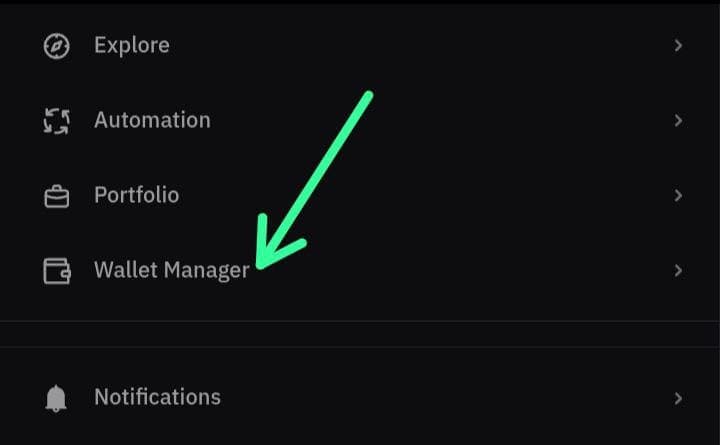
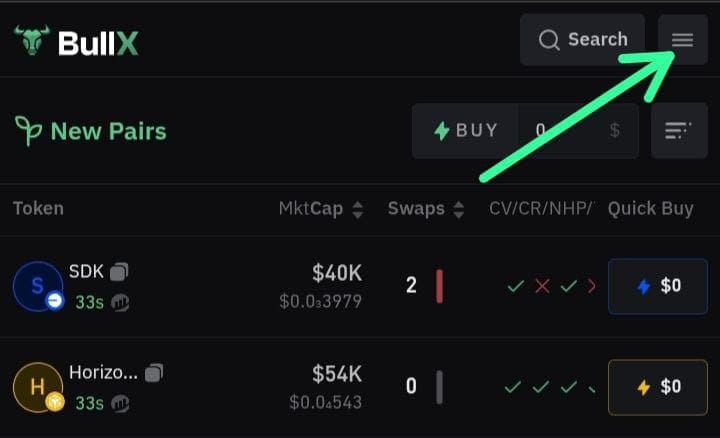
Click on the wallet manager
-
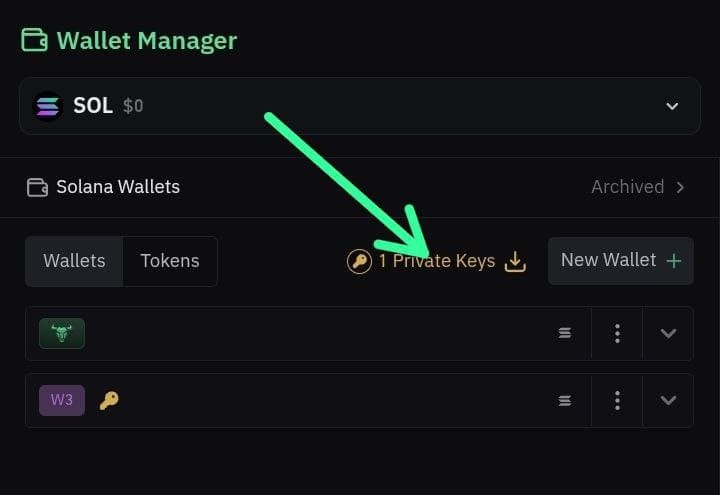
Now click on the private key menu
-
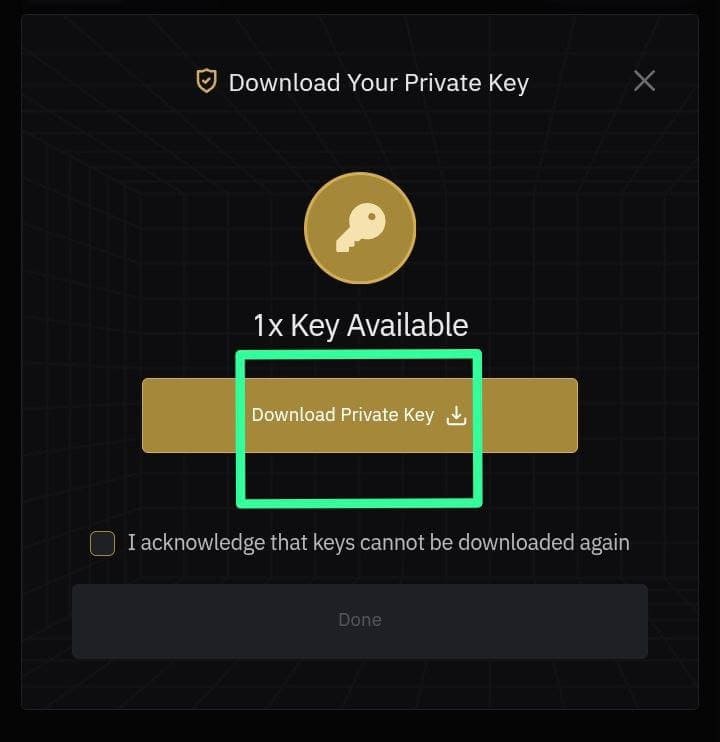
Once you're on this page, then click the Download private key button
-
If you have BullX's Private key, open Phantom wallet

-
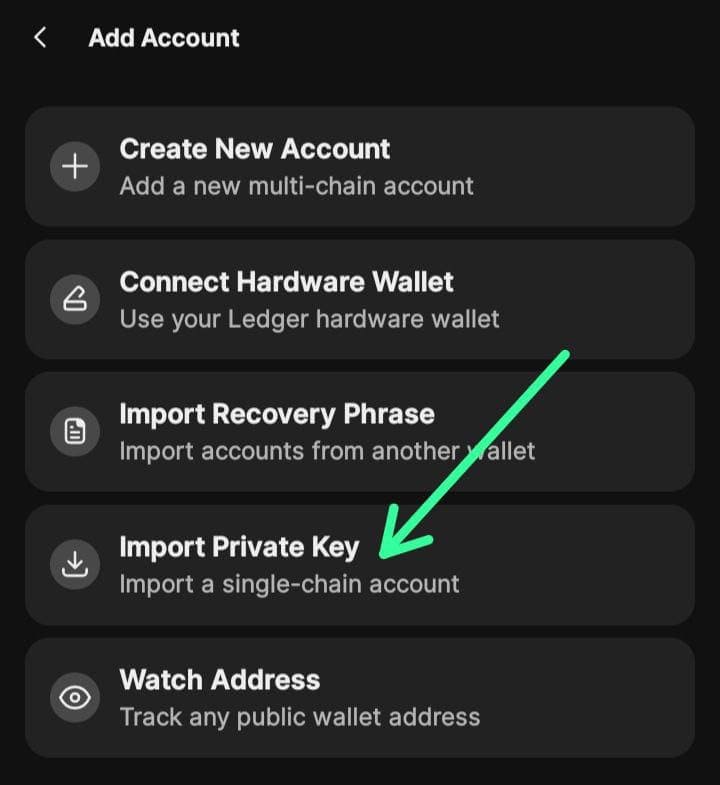
Click on the top left icon to open setting and click import private key
-
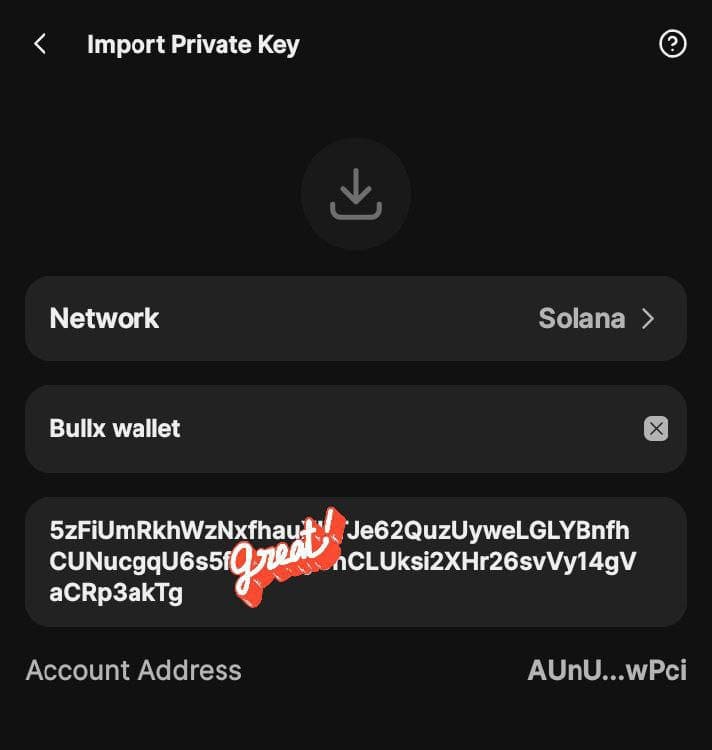
Paste private key you copied from bullX bot and click on import
Once the import is done, you can go through Phantom Wallet Claim Process to complete the claim.