
How to Claim SOL with Trust wallet
1. Mobile App
-
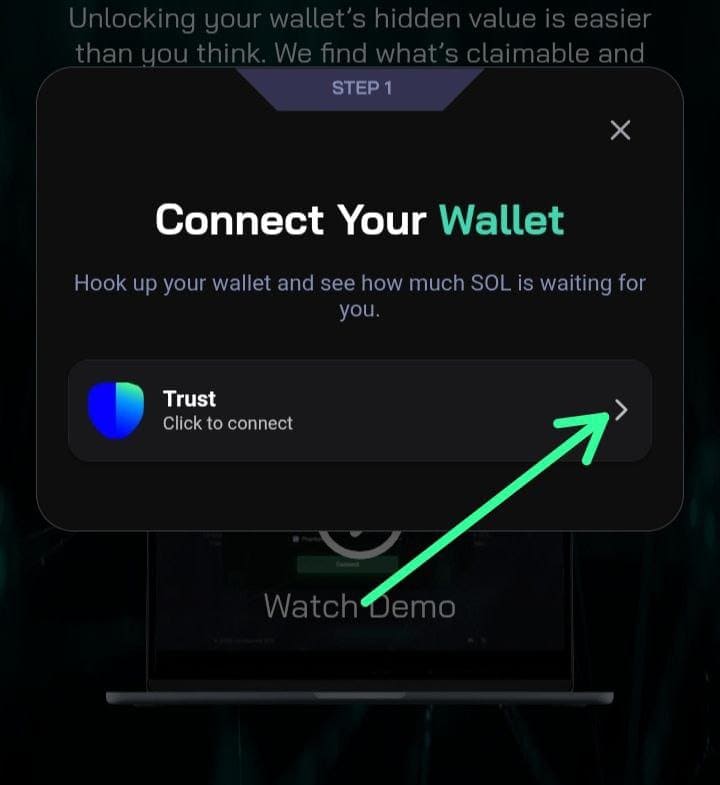
Open Trust wallet and select wallet
-
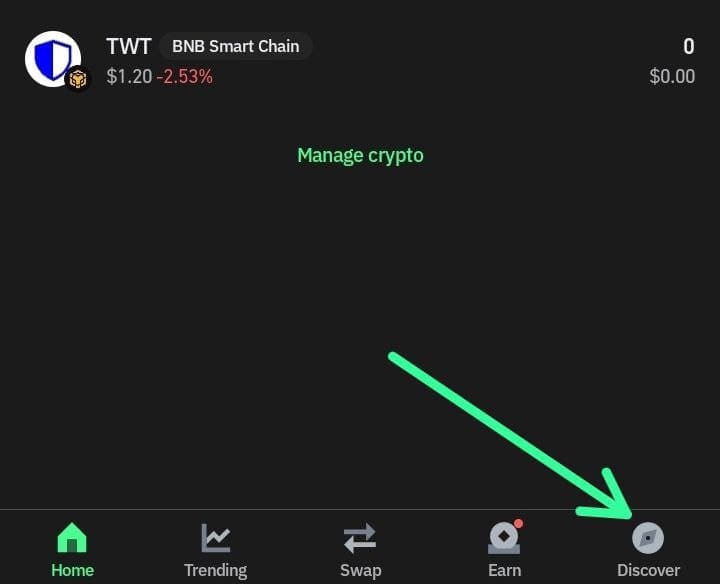
On the bottom right of your screen, click on DISCOVER
-
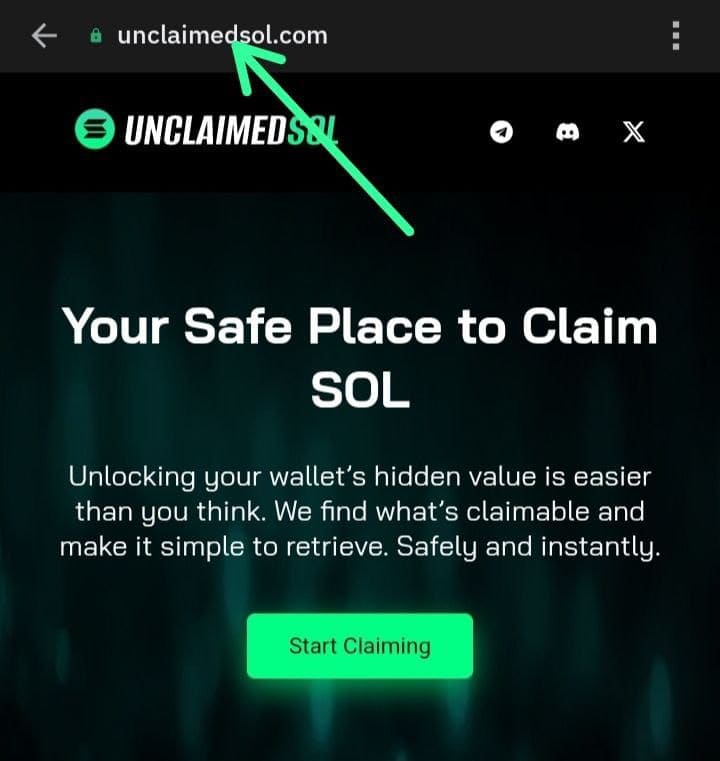
Next you click on the search bar above make sure you have the official link to our website once your have put in that search
-
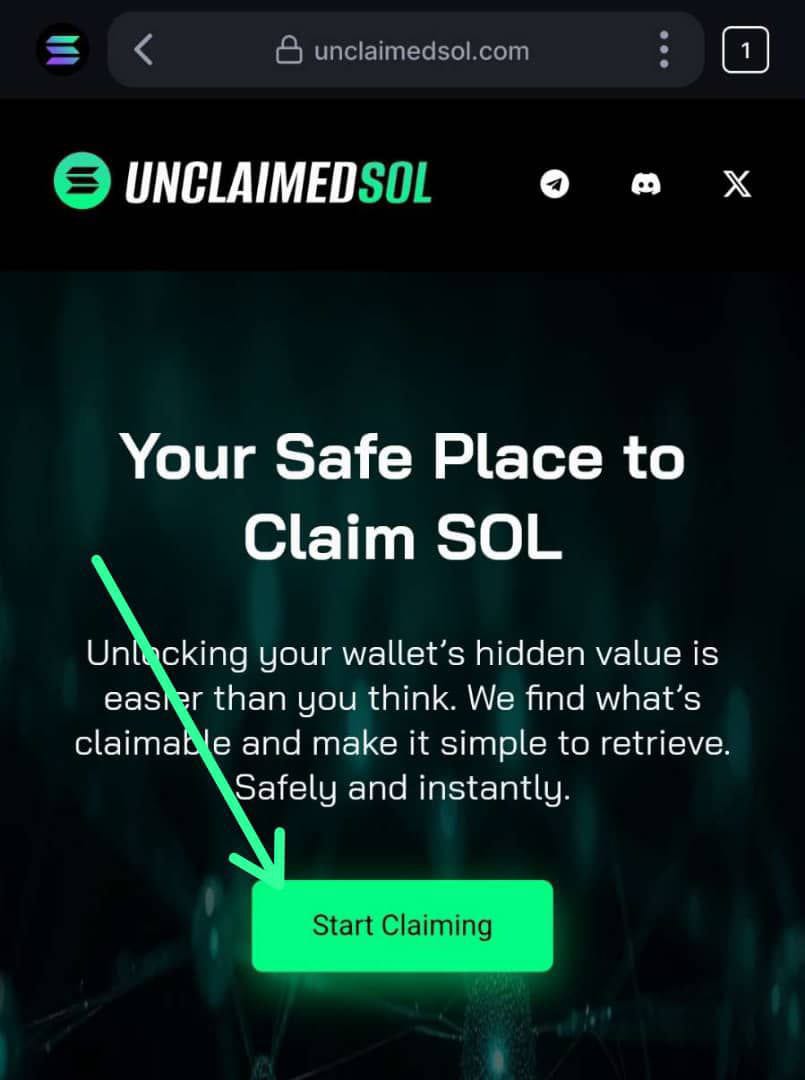
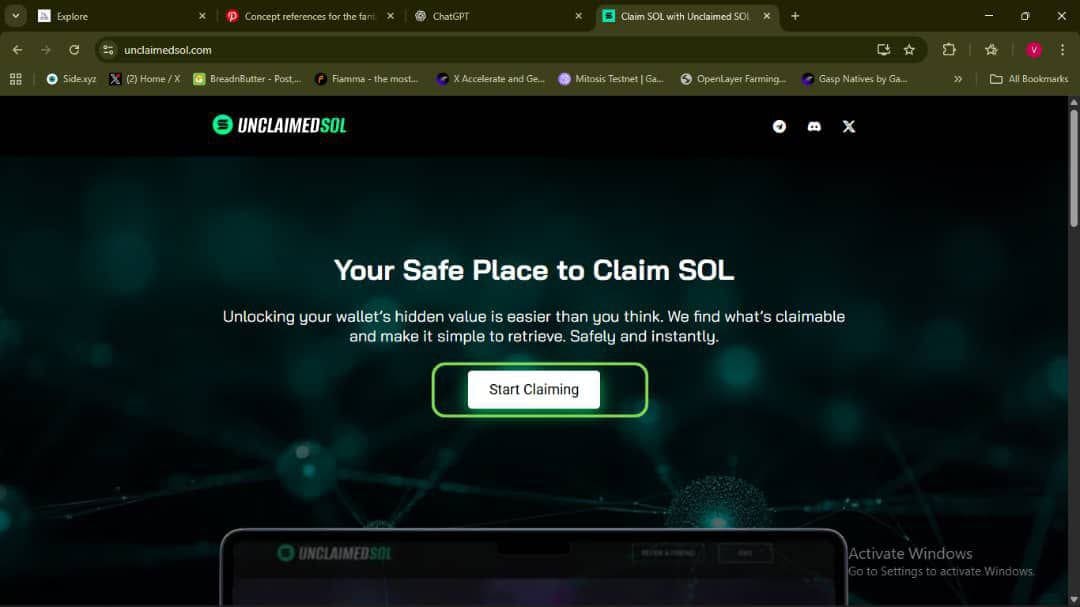
Once you're on this page, next click on start claiming
-
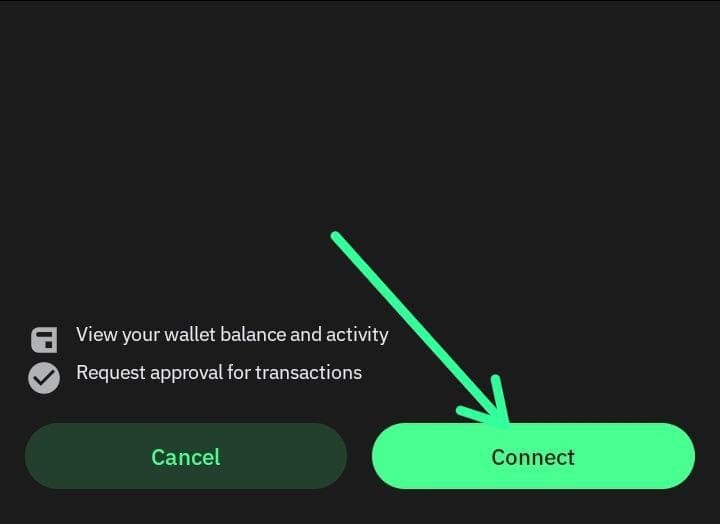
Confirm to connect wallet by clicking CONNECT
-
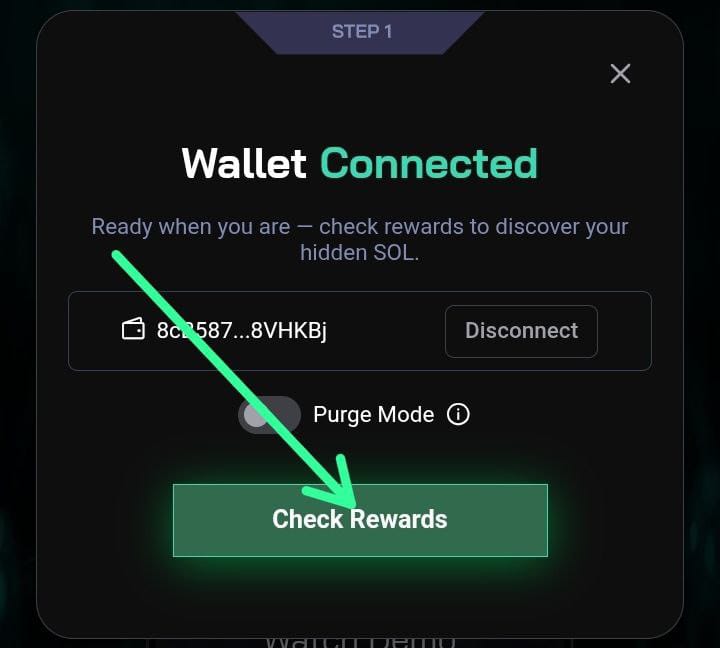
Once you have connected wallet successfully, click on check rewards
-
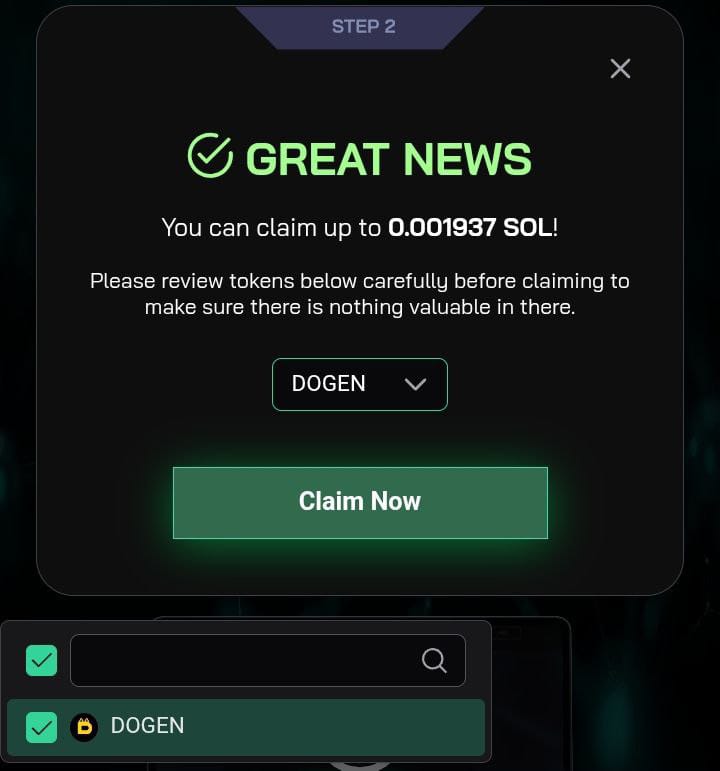
Purge mode: allows you to select dust tokens you wish to burn for solana
-
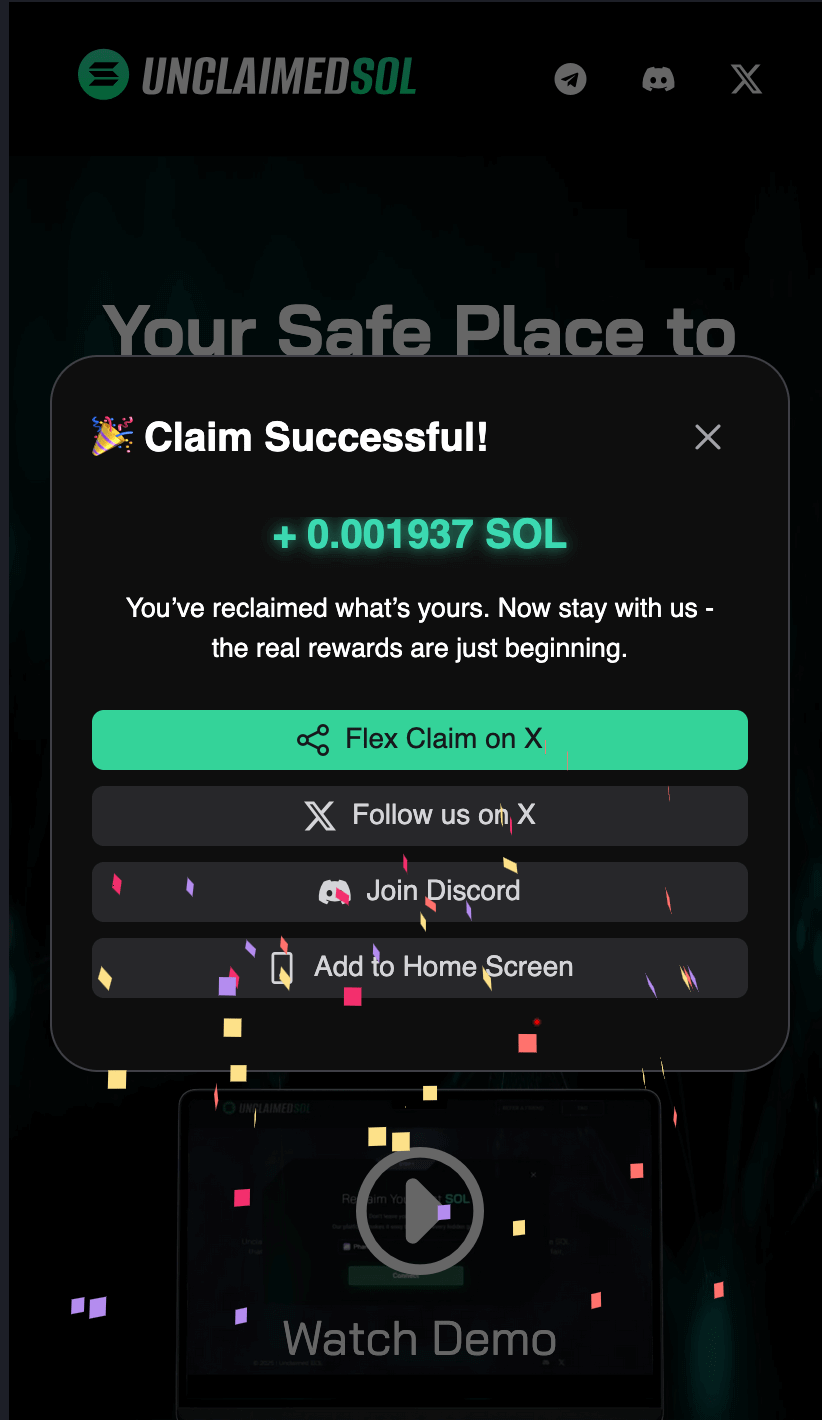
You have successfully claimed your Solana
2. Browser Extension
-
Open on your browser and Click on start claiming
-
Connect your Trust Wallet
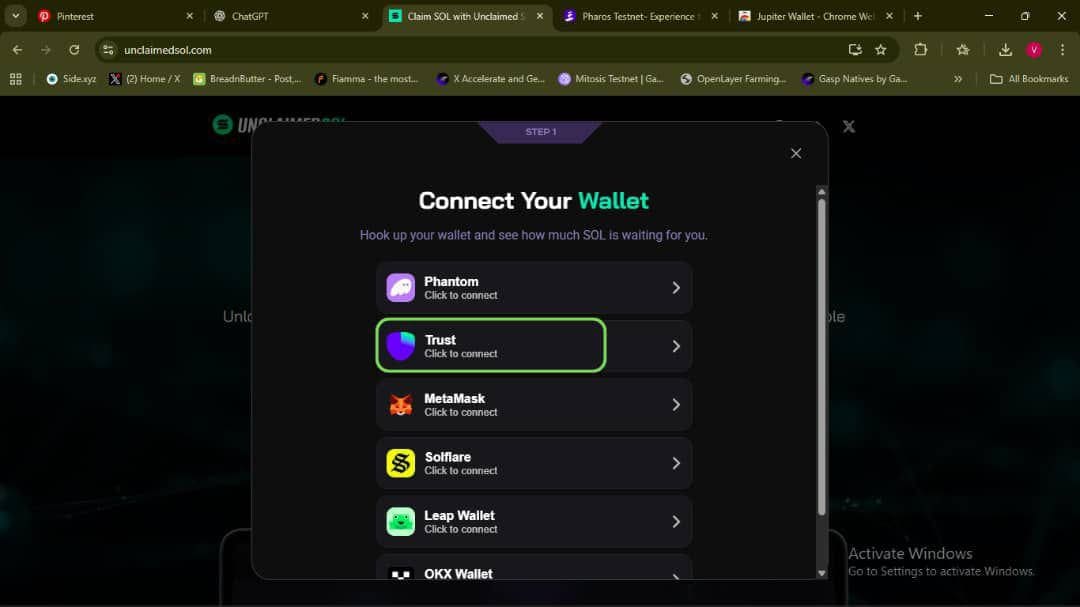
-
Connect wallet and confirm
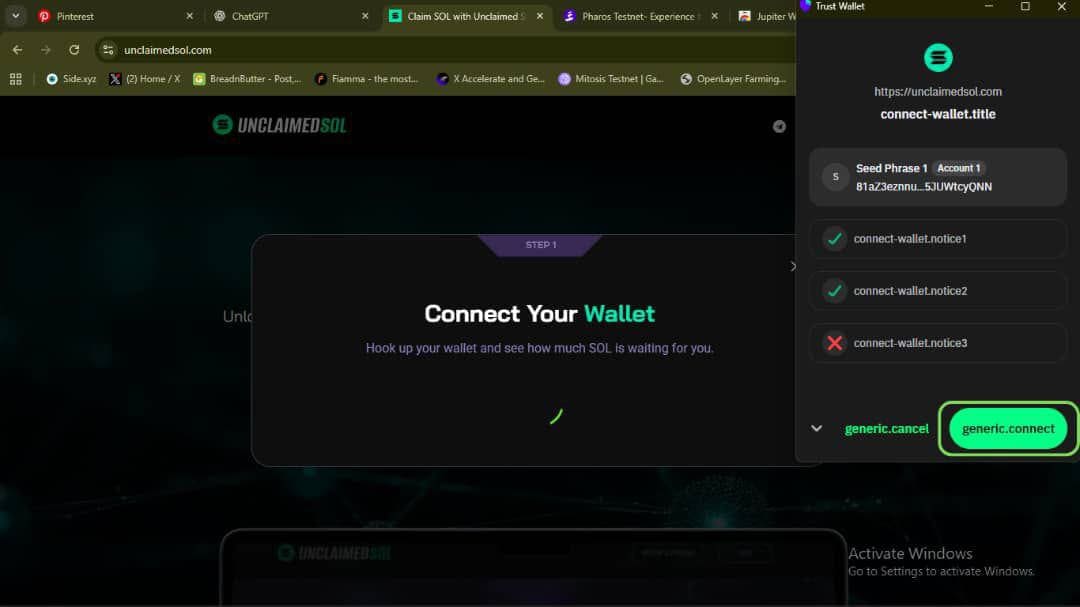
-
After wallet is successfully connected, click on "Check reward"
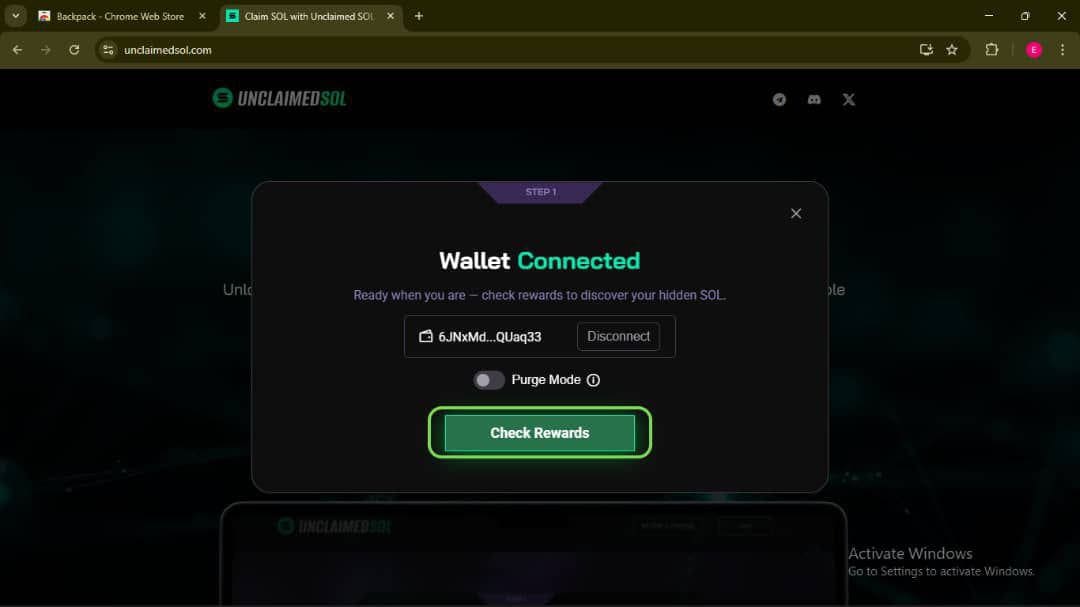
-
Claim successfully, you can use first command to flex you claim on X(twitter)
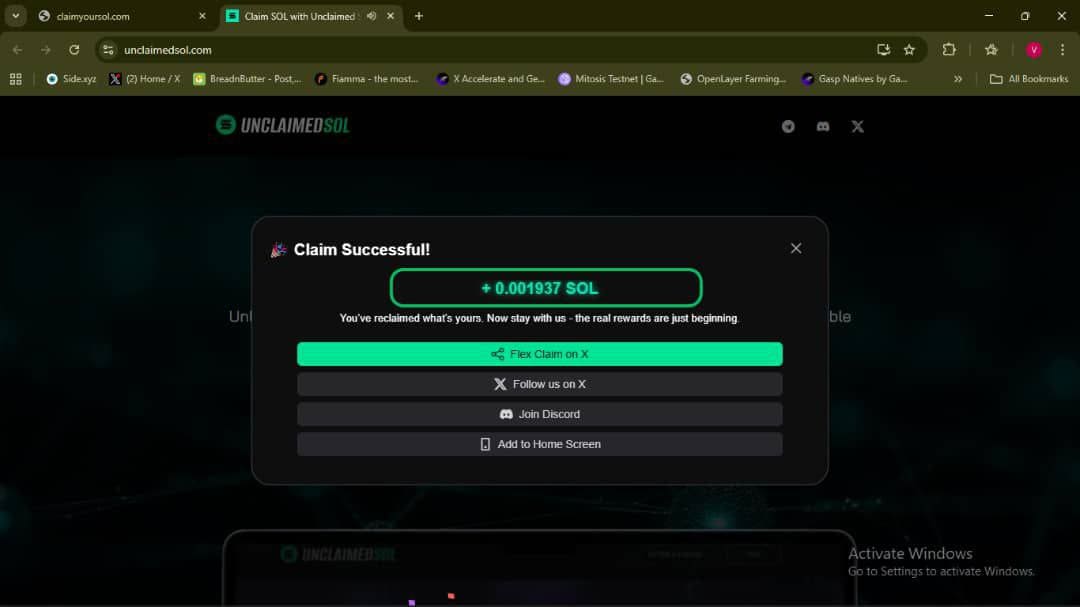
After claiming, verify the signature on Solscan and confirm your wallet balance updates.