
How to Claim SOL with Trojan
-
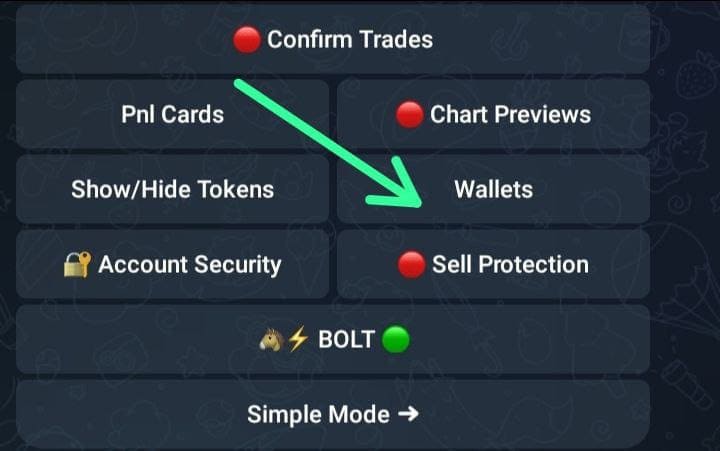
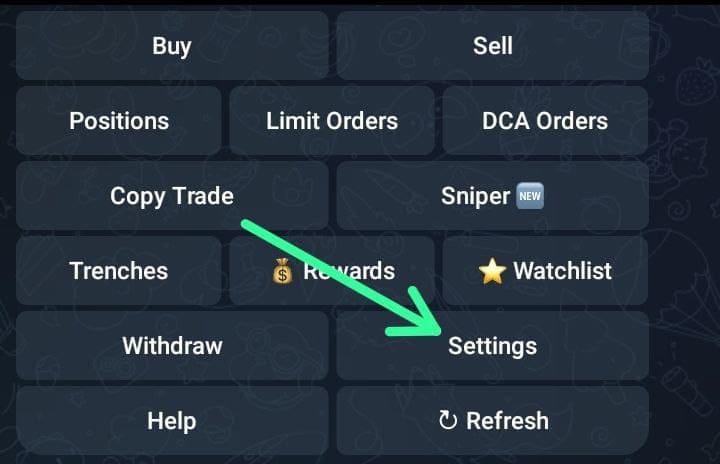
Go to Trojan and click /start. On the next page, click the settings
-
Next up click wallets
-
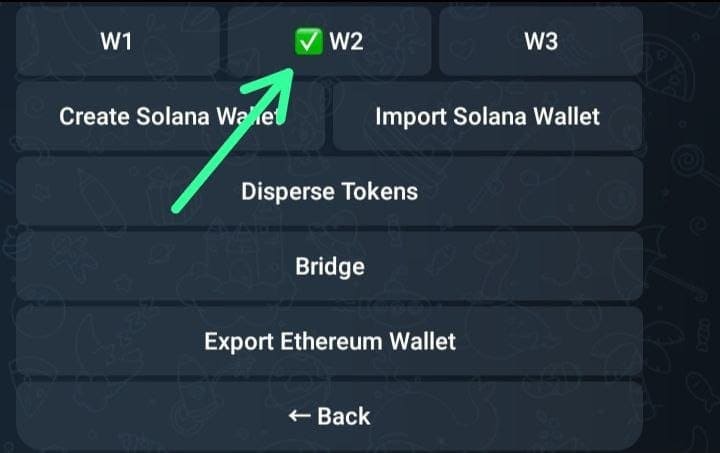
Select the wallet you want to retrieve the private key (default W1)
-
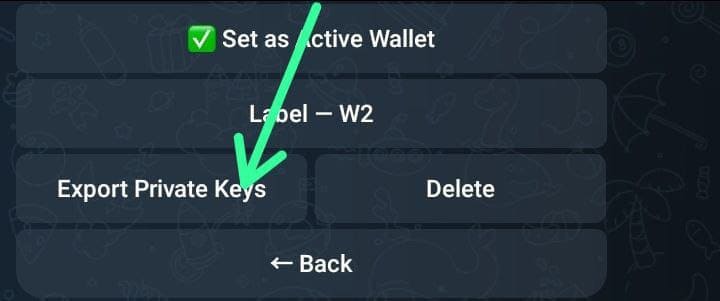
Click the export private key
-
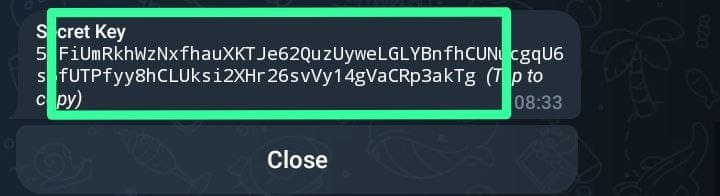
Copy your private key
-
Open phantom wallet

-
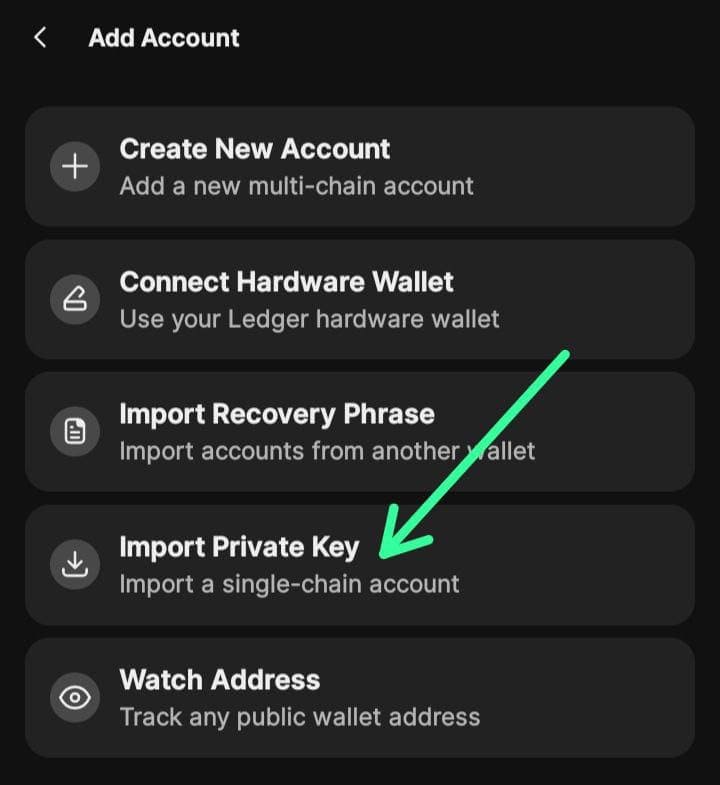
Click the top right corner, and then click on import private key
-
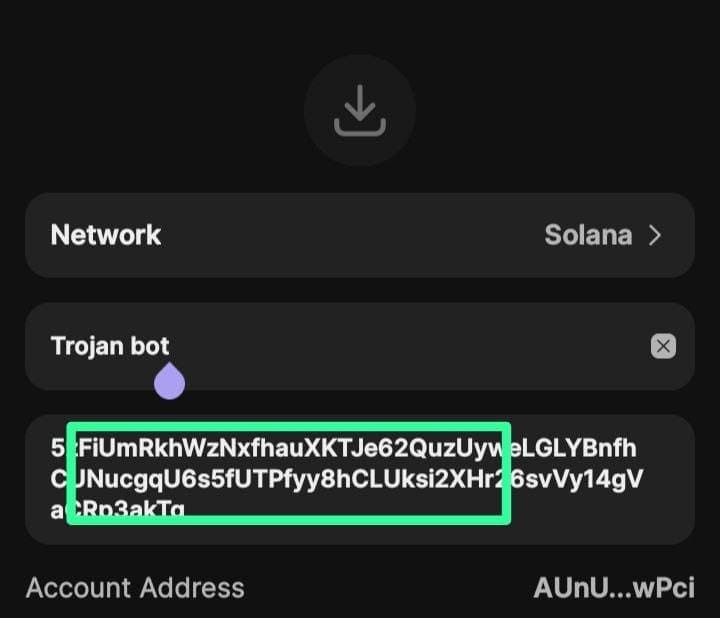
Paste your copied Private key and import
Once the import is done, you can go through Phantom Wallet Claim Process to complete the claim.