
How to Claim SOL with Photon
-
To be able to claim from photon on Sol you must already posses the private key of this wallet,
which is only show once to the user, upon Photon wallet creation as seen below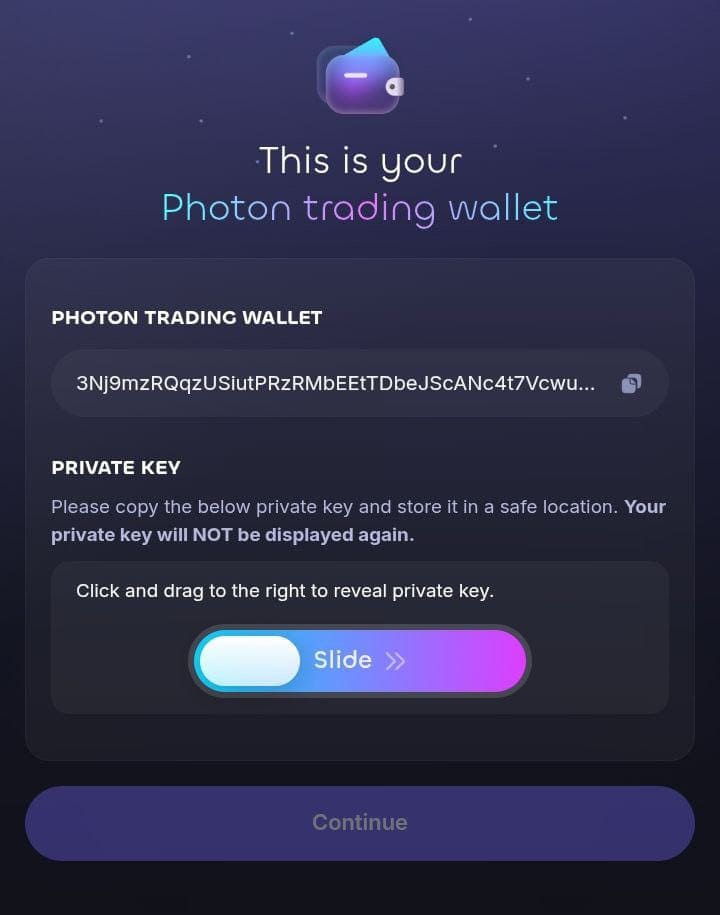
-
If you have Photon's Private key, open phantom wallet

-
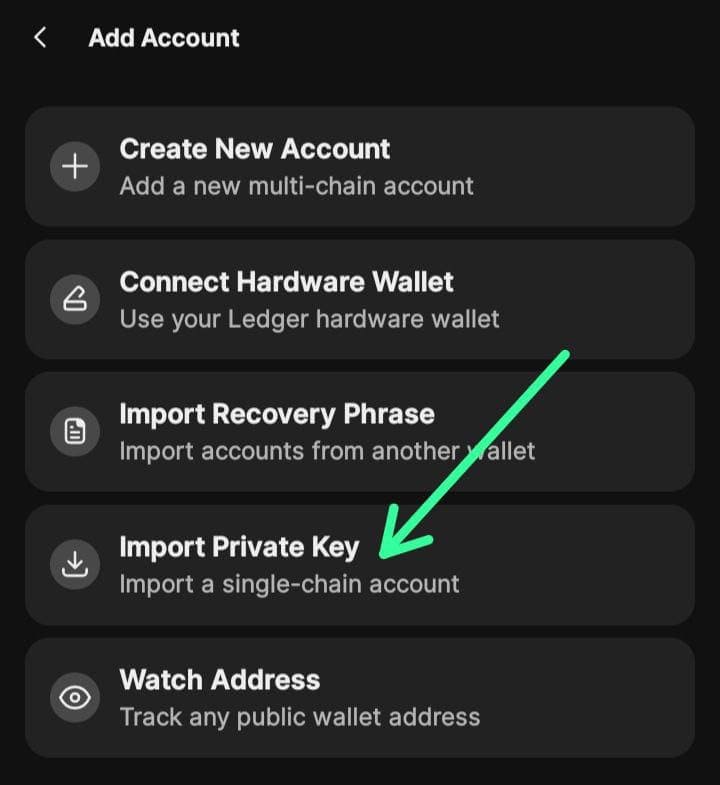
Addaccount and then click import private key
-
Paste private key have form your photon wallet, and the import wallet
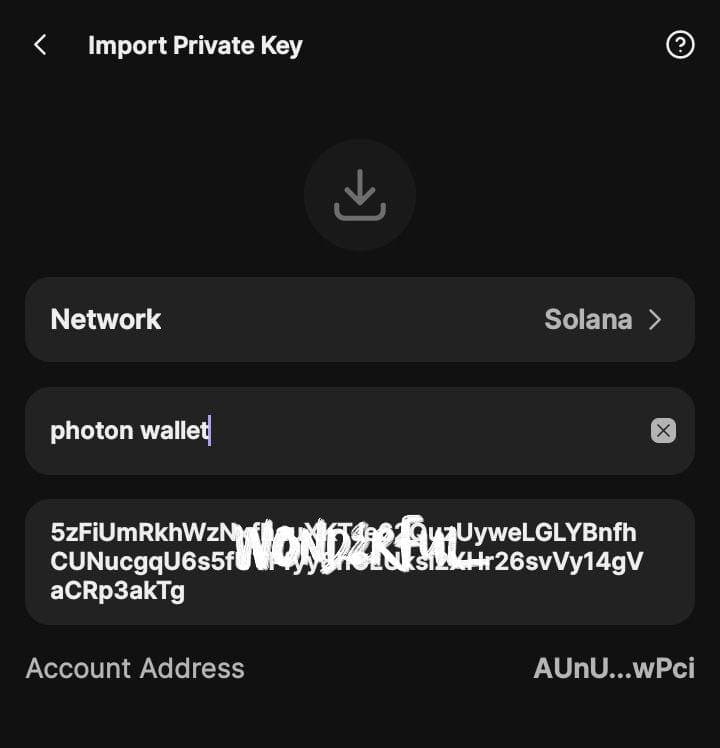
Once the import is done, you can go through Phantom Wallet Claim Process to complete the claim.